How BaristaCard Works in Apple Wallet and Google Wallet
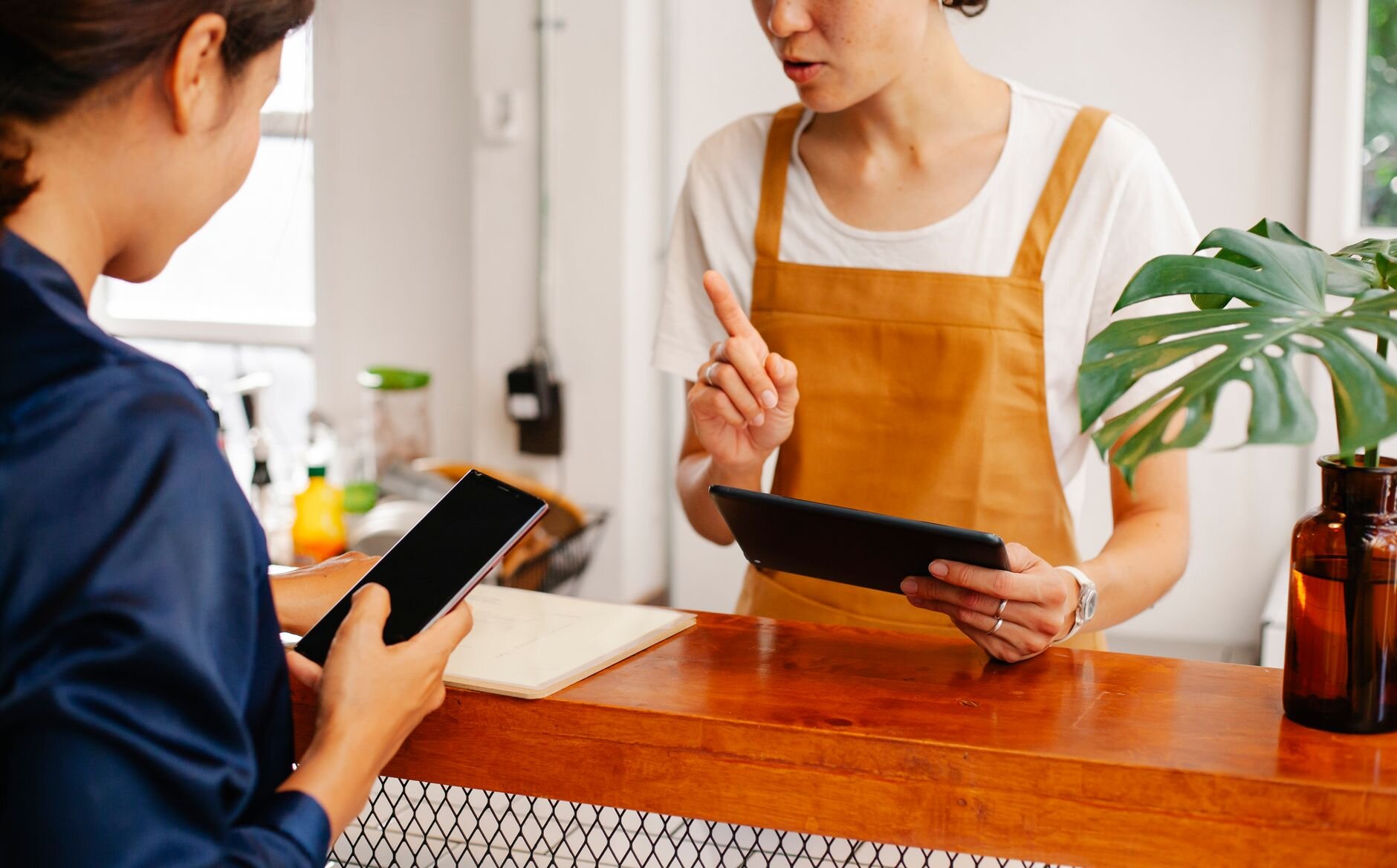
You know the moment. A customer pays for their flat white and you ask if they have a stamp card. They pat their pockets, check their bag, shrug apologetically. The paper card is somewhere — at home, in a different jacket, disintegrating at the bottom of a reusable bag. But here is how that same moment feels with BaristaCard: the customer opens their Wallet app and holds up a QR code. Stamp added in seconds. No rummaging, no replacement card.

That shift happens because the loyalty card lives inside the Wallet app already on every iPhone and Android phone — not inside a separate app requiring a download, an account, and a password. Customers don’t have to do anything new.
Set up your free loyalty card in 5 minutes →
What are Apple Wallet and Google Wallet loyalty cards?
Apple Wallet comes pre-installed on every iPhone, and Google Wallet comes pre-installed or available by default on virtually every Android phone — with Android accounting for roughly half of smartphones in the UK. These apps were designed to hold credit cards, train tickets, and boarding passes, but they also support loyalty cards.
A loyalty card in Apple Wallet or Google Wallet looks exactly like you’d expect: your café’s name, your logo, a stamp counter (say, “3 of 10”), and a QR code the customer shows at the counter. It sits alongside the customer’s other cards, ready to open in a couple of taps.
The key point is that customers don’t download anything extra. There is no separate loyalty app to find, install, or log into — the card appears directly inside the Wallet app they already use. That frictionless experience is why this works. You can read more about how stamp cards work in our overview.
Apple Wallet and Google Wallet loyalty cards work across the UK and in 39 countries, so your travelling customers carry their stamps with them wherever they go.
Why a digital loyalty card beats paper (and separate apps)
Paper cards have a fundamental problem: they disappear. Research consistently shows that a significant proportion of paper punch cards are never redeemed — lost at the bottom of a bag, left on a kitchen counter, or simply forgotten. And when a card is lost, that customer’s progress is gone too. There is no way to remind them, no way to nudge them back in. The card just vanishes, and so does the loyalty.
Wear and tear is a real issue too. A soggy, half-stamped card handed over at the counter is not the brand impression any café owner wants to make.
Dedicated loyalty apps have a different problem: nobody installs them. “I’ll download it later” almost always means never. Customers are not going to pause at the counter to find your café’s app on the App Store, create an account, and verify an email address. The friction is too high. Loyalty industry data suggests wallet-based programmes achieve far higher adoption rates than standalone apps — because customers don’t have to do anything new. The card goes straight into a Wallet app they already open regularly.
Digital wallet loyalty cards solve both problems at once. The card is always on the customer’s phone — it cannot be lost, and it does not require any app download. You do not need a point-of-sale terminal or any extra hardware. Because the card lives on the lock screen, customers can receive push notifications that drive repeat visits. And it is free to start, which removes the final reason to stay on paper.
How BaristaCard works in Apple Wallet and Google Wallet
BaristaCard runs one loyalty programme that automatically delivers the right format to each customer’s phone — Apple Wallet for iPhone users, Google Wallet for Android users. You set it up once; the platform handles the rest.
What the card looks like. Your café name and logo sit at the top. Below that, the stamp counter shows the customer’s current progress — “3 of 10 stamps”, for example. A QR code sits prominently on the card, ready to scan.
Stamping uses QR codes, not NFC. This is worth being clear about: the customer opens their Wallet app and shows the QR code on screen. The barista scans it using the BaristaCard dashboard on their own phone. No special hardware, no payment terminal, no NFC reader. Just a phone and a scan.
The stamp workflow, step by step:
- Customer opens their Wallet app and shows the QR code on their card.
- Barista opens the BaristaCard dashboard on their phone and scans the code.
- A stamp is added immediately — the card updates in real time on the customer’s screen.
Redemption is automatic. When the customer reaches their stamp target, the card changes to show it is redeemable. Staff confirm the reward, and the card resets itself for the next round. No reissuing, no new cards, no admin. You can also offer prepaid coffee bundles alongside your stamp programme for customers who prefer to pay ahead.
Lock-screen notifications mean customers can receive a reminder when they are near your café, so your loyalty programme is working even when you are not.
Try BaristaCard free — takes 5 minutes to set up →
What your customers actually experience
The entire journey from first stamp to free coffee happens without your customers needing to download a single thing. Here is what it looks like from their side:
-
First visit. You share your BaristaCard link or QR code — on a small counter tent card, on a receipt, in an Instagram story, or via a text. The customer taps the link on their phone.
-
Adding the card. A prompt appears: “Add to Apple Wallet” or “Add to Google Wallet.” One tap. No account creation, no password, no email address required. The loyalty card is now saved to their Wallet app. You can find more detail in our getting started guide.
-
Earning stamps. Every subsequent visit: customer opens their Wallet app, shows the QR code on their card, barista scans it. Stamp added in real time. The card updates on the customer’s screen while they are still standing at the counter.
-
Notifications. Depending on your settings, customers can receive a lock-screen reminder when they are nearby — a gentle nudge that says, essentially, “your favourite café is right there.”
-
Redemption. The customer reaches stamp 10. Their card shows as redeemable. Staff confirm the reward — a free coffee, a discount, whatever you have chosen. The card resets automatically. The same card continues; nothing new needs to be issued.
The entire experience happens inside an app the customer already has — no moment where anyone has to decide if it is worth the effort.
Set up your café’s digital loyalty card in five minutes — free
You do not need a developer or a designer. You do not need a new point-of-sale system or any extra hardware. Setting up BaristaCard takes about five minutes, and here is exactly what that looks like:
-
Create your free account. Go to BaristaCard and sign up with your email address and café name. That is it — you are in.
-
Customise your card. Upload your logo, choose your colours, set your stamp goal (how many stamps customers need), and write in your reward (a free coffee, a pastry, a discount — your call).
-
Get your QR code and link. BaristaCard generates a unique QR code and a shareable link for your café. These are how customers add the card to their phones.
-
Display your QR code at the counter. Print it directly from your dashboard — a simple tent card or a sticker on the counter is enough. Customers scan it themselves and add the card in one tap.
Both iPhone and Android customers are covered from the moment you set up. You manage everything from a single dashboard, regardless of what phone your customers use.
Cafés across the UK are already using BaristaCard to run straightforward, low-effort loyalty programmes that actually get used.
Frequently asked questions
How do I add a loyalty card to Apple Wallet?
Your café shares a link or QR code — on a counter tent card, a receipt, or via text message. When a customer taps the link on their iPhone, a prompt appears to add the card directly to Apple Wallet. One tap and it is saved. No app download and no account creation required.
Do customers need to download an app to use a digital loyalty card?
No. BaristaCard loyalty cards live inside Apple Wallet and Google Wallet, which come pre-installed on every iPhone and Android phone. Customers tap a link to add the card — that is the only step. No separate app, no account, no password needed.
How much does it cost to set up a digital loyalty card for my café?
BaristaCard is free to start. You can create, customise, and issue your loyalty card to customers without paying anything. Paid plans are available with additional features as your programme grows. See pricing.
Can I use both Apple Wallet and Google Wallet with the same loyalty programme?
Yes. BaristaCard runs one loyalty programme that automatically delivers the right card to each customer’s phone — Apple Wallet for iPhone users, Google Wallet for Android. You manage everything from a single dashboard, with no duplication needed on your side.
How do digital stamp cards work?
A digital stamp card works like a paper stamp card, but it lives on the customer’s phone. Each visit, the customer shows a QR code in their Wallet app; the barista scans it and a stamp is added in real time. When the customer reaches their stamp target, the card shows as redeemable. Staff confirm the reward and the card resets automatically — no new card needed.
BaristaCard takes five minutes to set up, is free to start, and works for both iPhone and Android customers without anyone needing to download a separate app. If you are still running on paper punch cards — or thinking about it — this is the simplest way to move on.
Ready to boost your cafe's loyalty?
BaristaCard helps cafes turn one-time visitors into regulars with digital stamp cards, rewards, and real-time insights. Free to get started.
Comments (0)
Log in to leave a comment.